
3 First login after flash
Lazy PisoWiFi is already on the router from step 2. This step is only first connection, addresses, and a short checklist.
After restart - new addresses
| What | Value |
|---|---|
| Hotspot network address | 10.0.0.1 |
| Customer wifi name | LazyFi@RuijieEW1200GPRO (no password - login page handles access) |
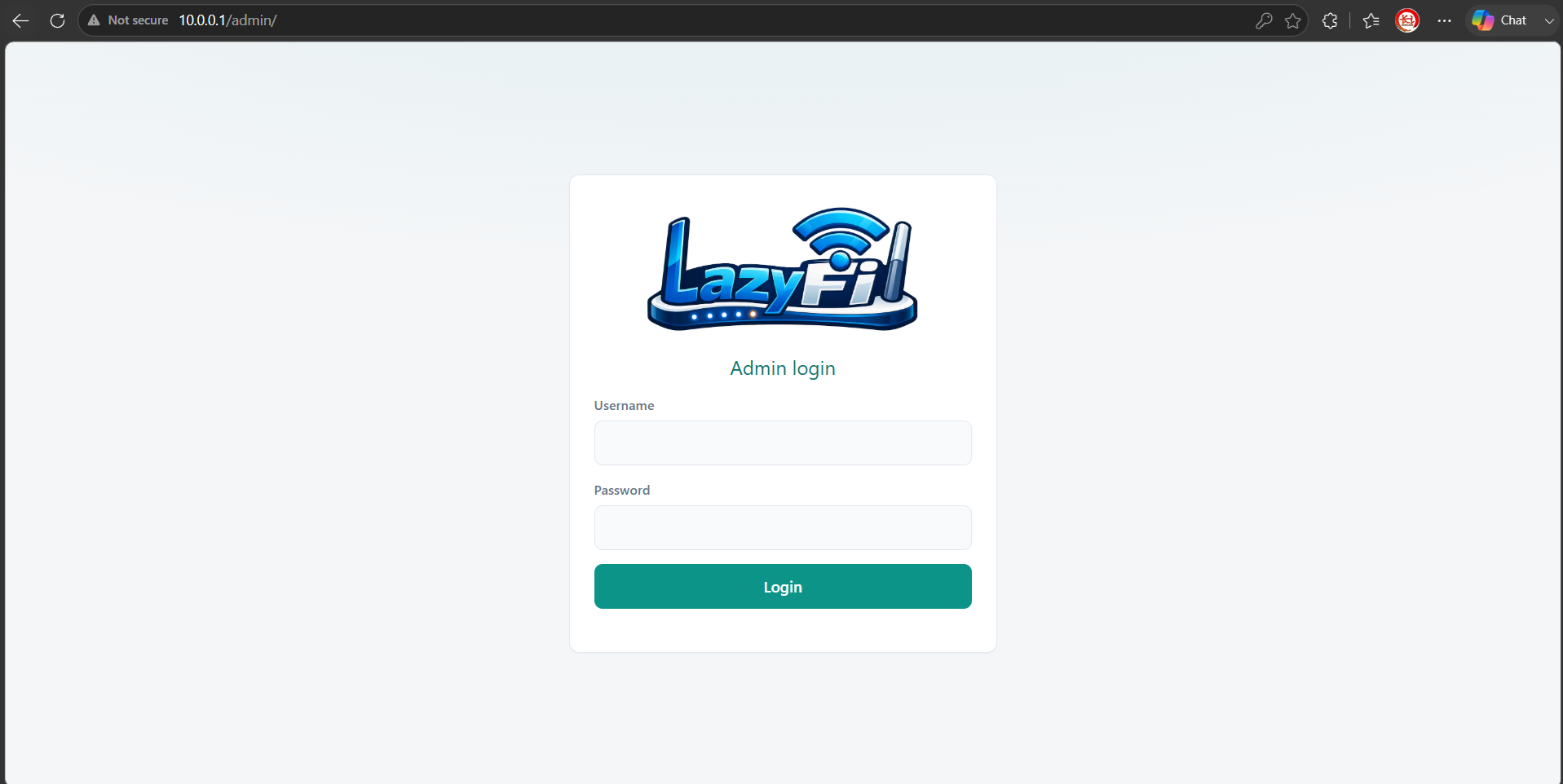
| Owner dashboard | http://10.0.0.1/admin/ |
| Customer login page | http://10.0.0.1/login |
Set PC to automatic IP, or manual 10.0.0.2 with subnet 255.0.0.0.
First-time checklist
- Dashboard opens at http://10.0.0.1/admin/
- Default login admin/admin
- Change the admin password (Settings page)
- Plug internet cable into WAN — this starts the 2-day trial (once per router)
- Customer wifi LazyFi@RuijieEW1200GPRO is visible (works during the trial; activate a license in step 4 before it ends)